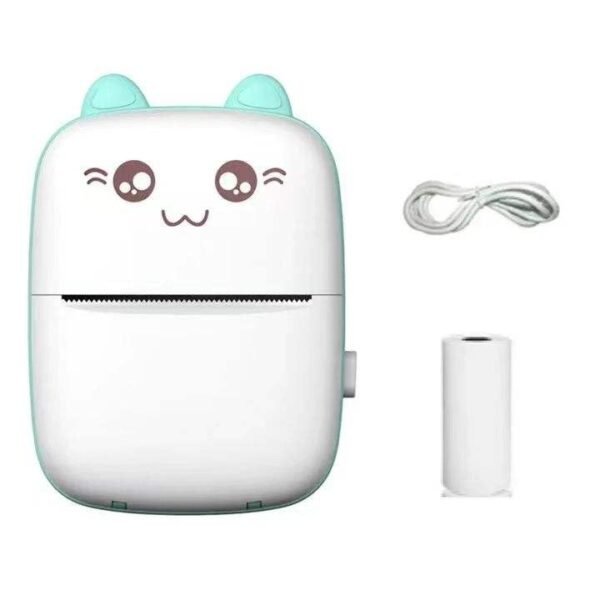
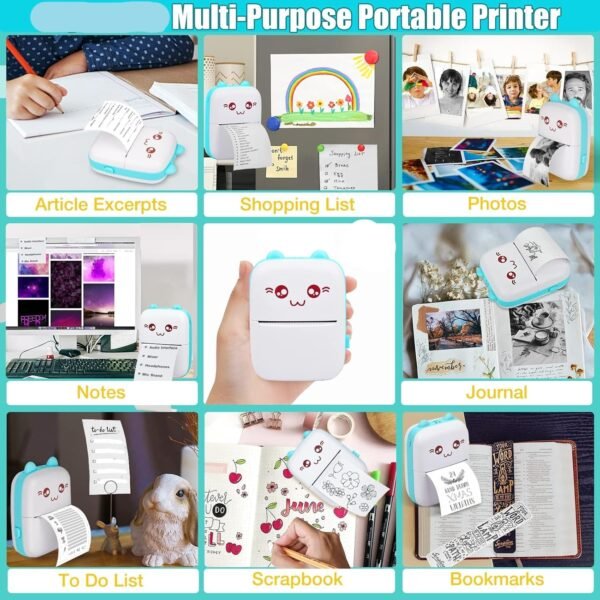
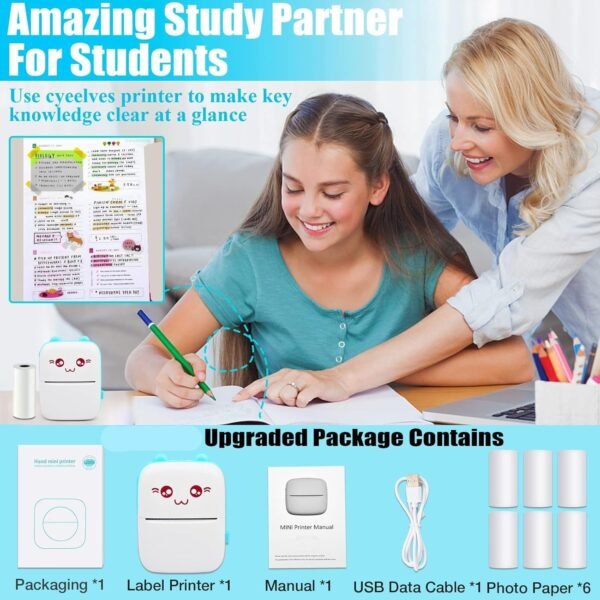
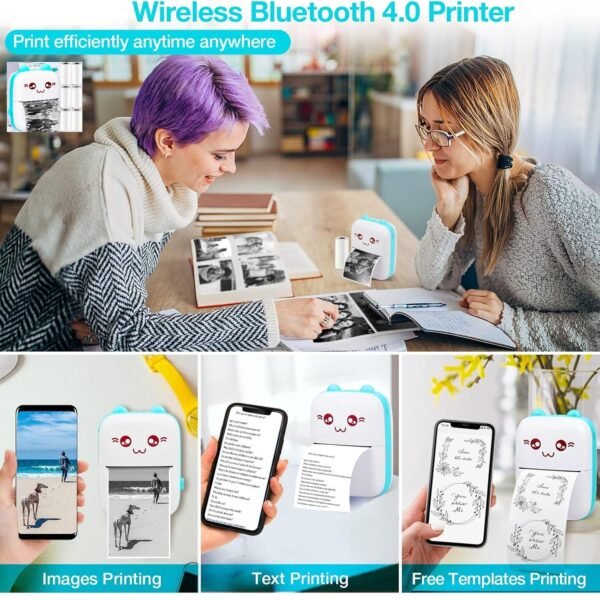
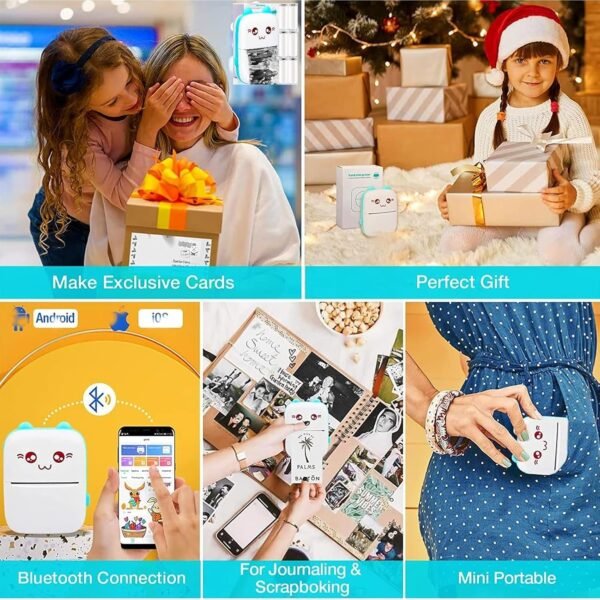
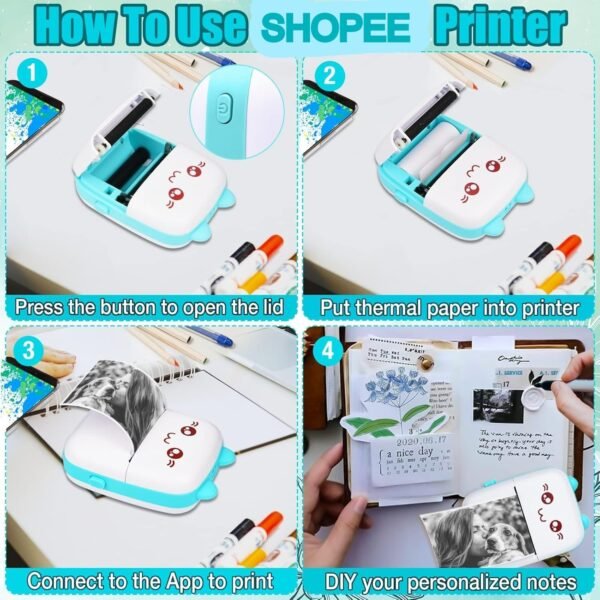
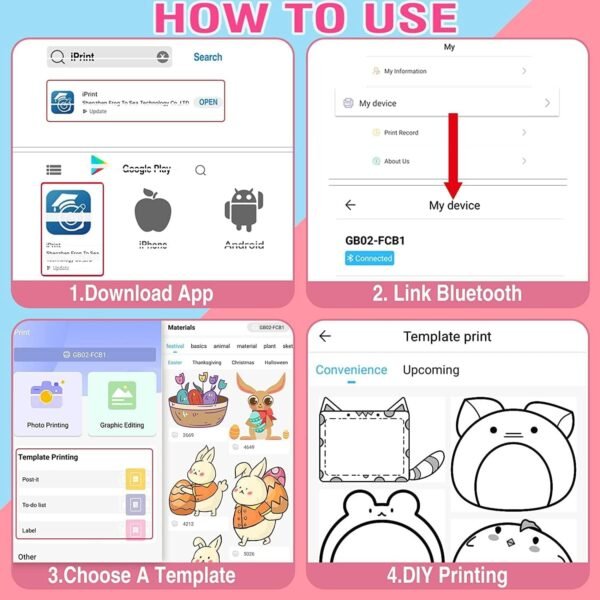
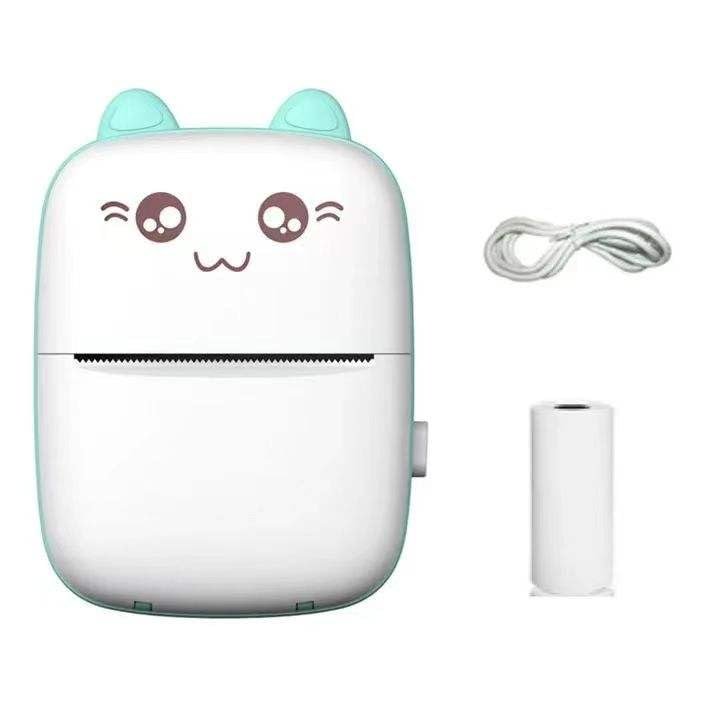
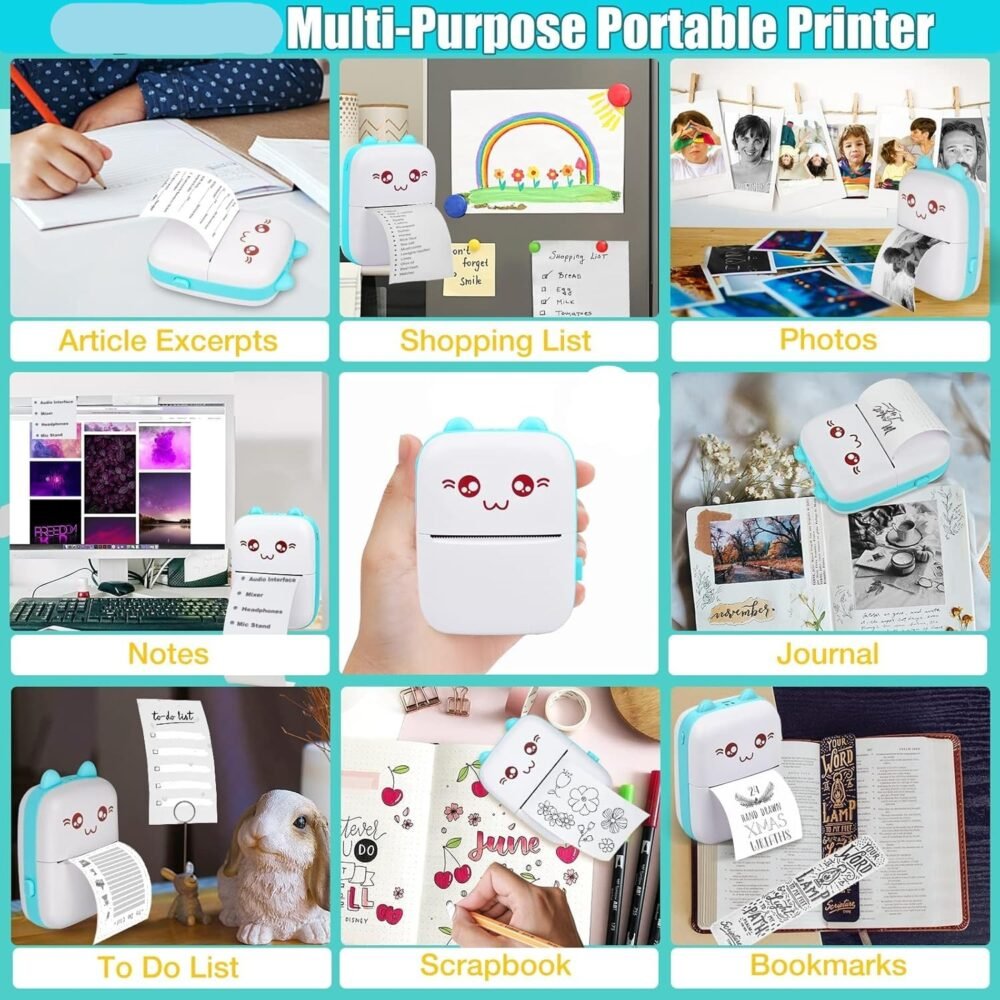
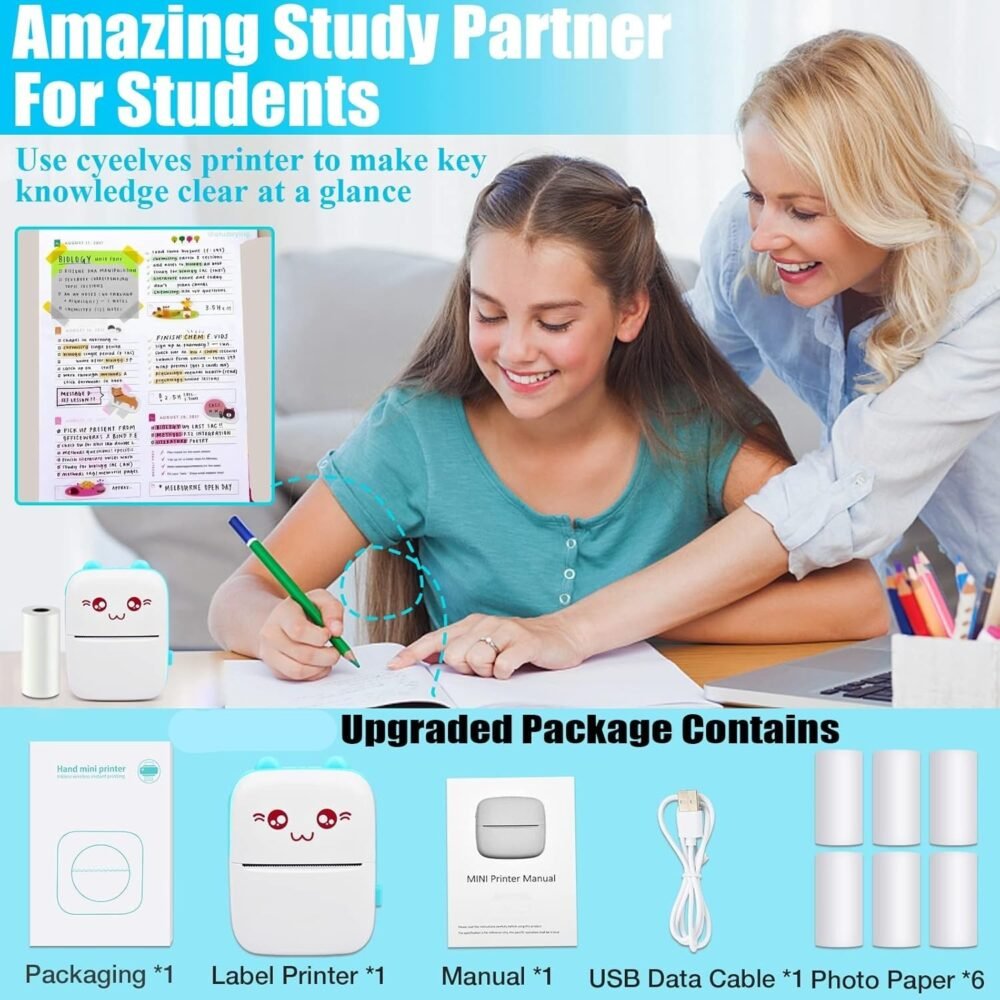
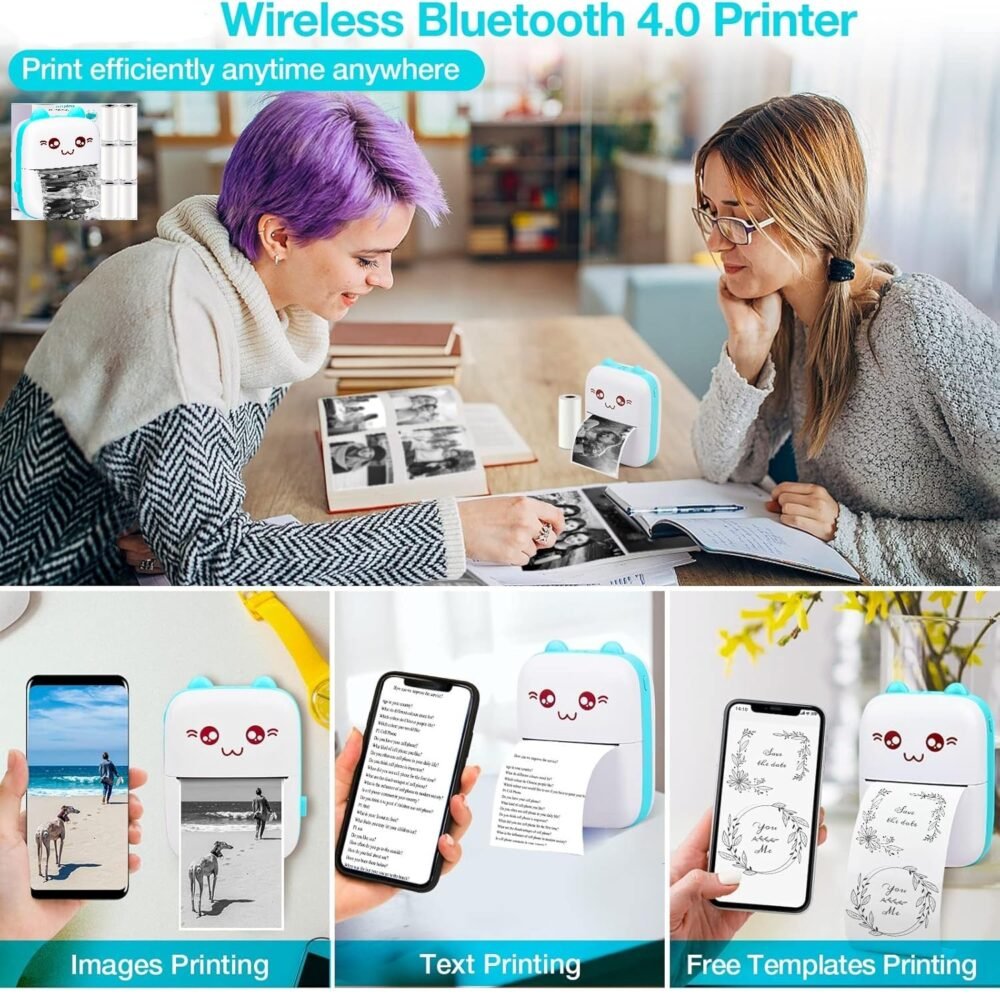
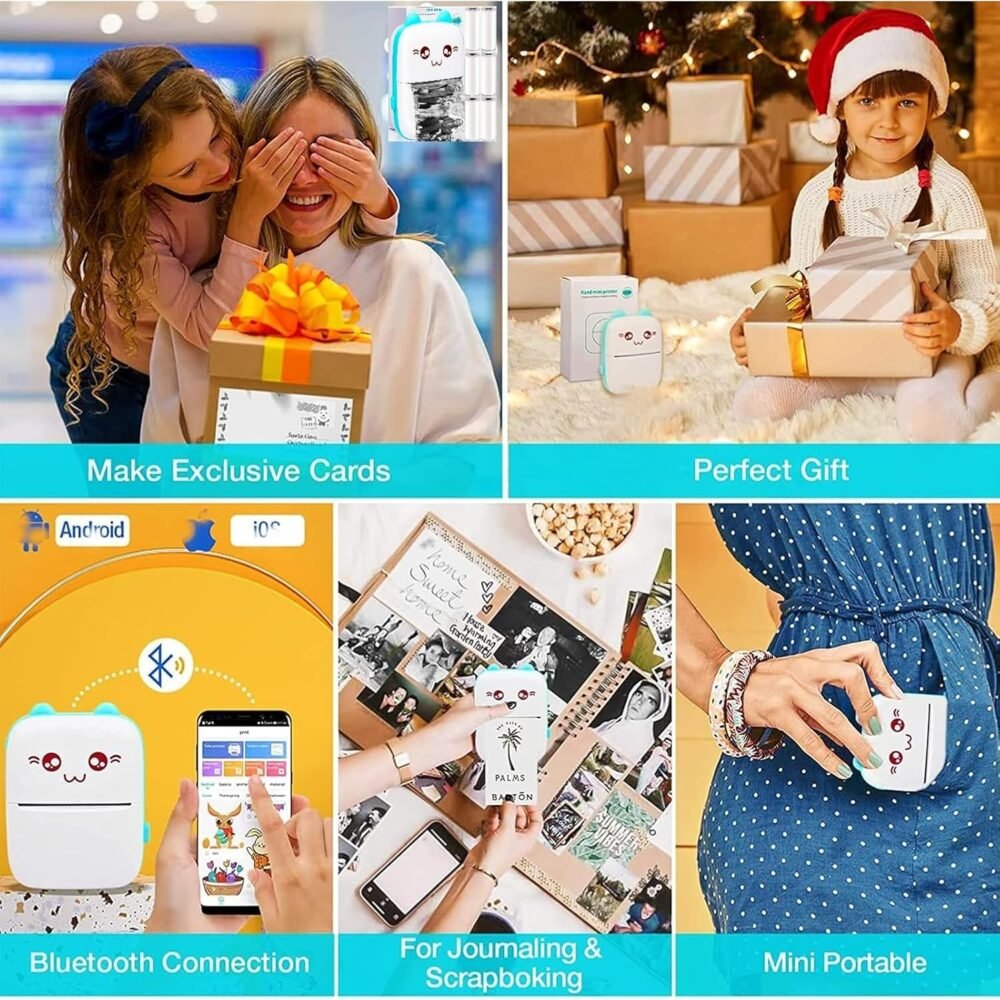
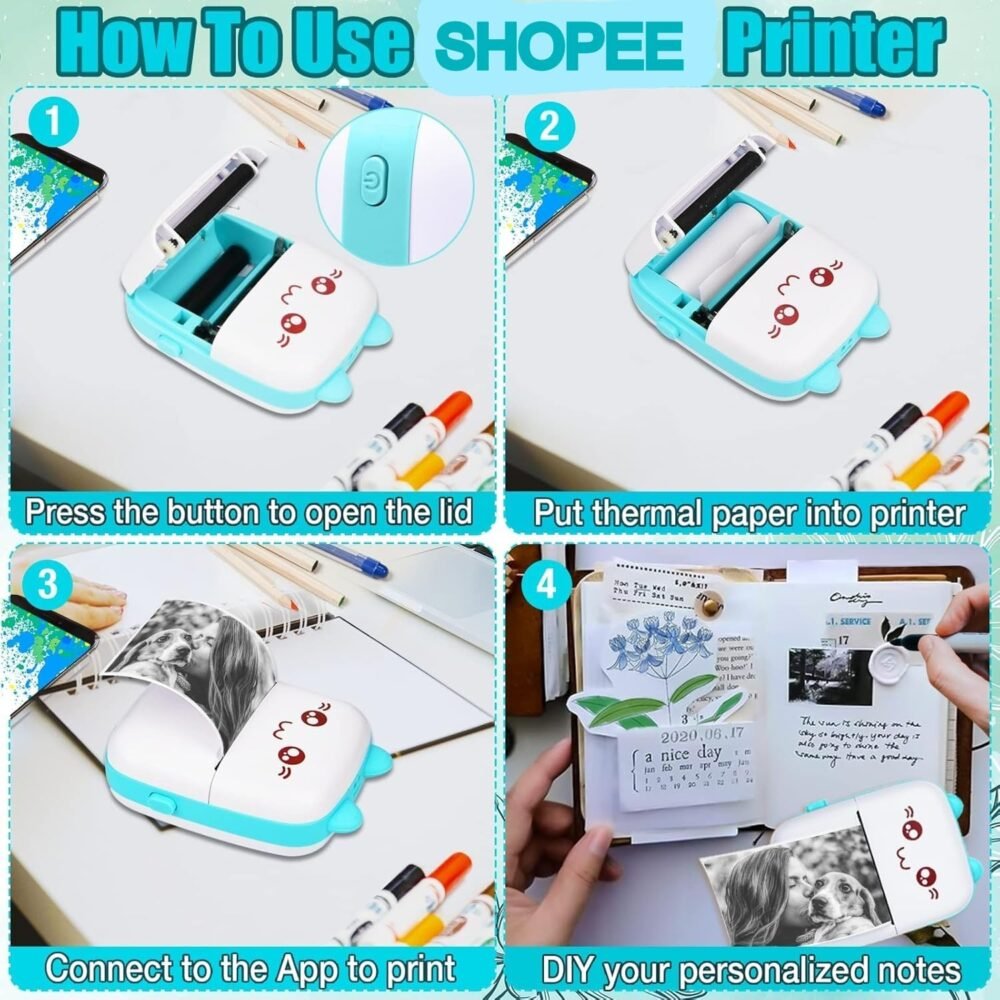
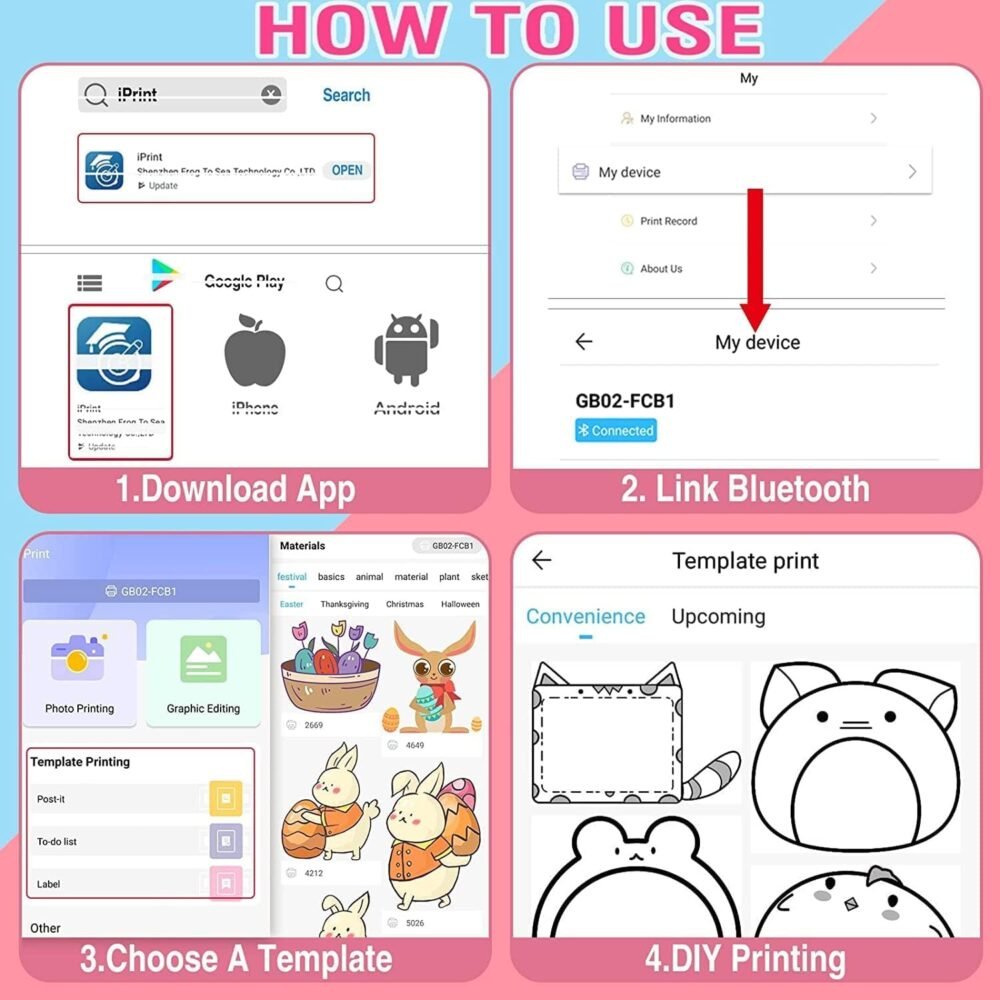
How To Use It ? —- Easy to Use Bluetooth Connected Printer 1. Download the compatible with the ”Fun print” APP according to the user manual in the box. 2. Turn on the mini printer (Press for 3 seconds to turn on the light). 3. Turn on the phone Bluetooth, and connect the APP and printer. 4. Load the thermal paper into the thermal printer. 5. Use the APP function to edit and start printing. 6. Please follow the printer instruction manual to download the related APP driver. Please download the “Fun Print” in the app store of your phone, connect to the printer, and use it. Mini Printer Blue, Mini Thermal Printer with 1 Rolls Printing Paper Ideal Christmas Gifts For Anyone SHOPEE inkless printer is for printing black and white photos, memos, labels, stickers, QR codes, etc. The information and images on the phone screen can be printed instantly, helping you to organize and summarize work plans, shopping lists, etc., and can improve efficiency.